
Press Fn, Start Speaking
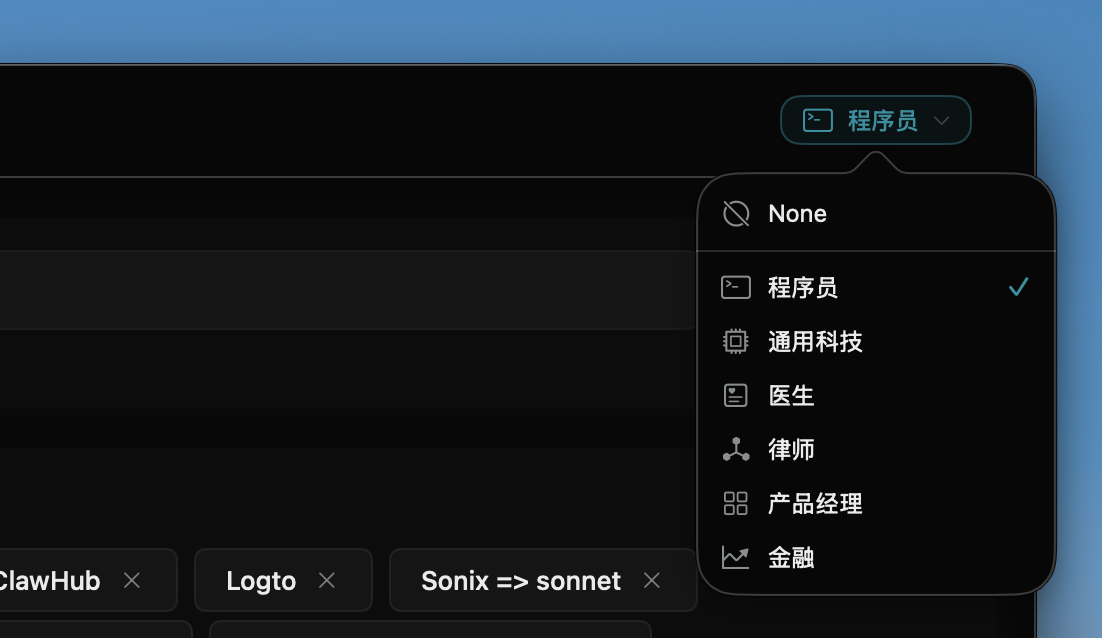
Switch roles, switch vocabulary. Developer, Lawyer, Doctor, Product Manager—
Xisper loads role-specific hotwords and correction rules for accurate transcription of every domain's terminology.
Switch Roles, Switch Vocabulary
Every profession has its own language. Xisper comes with built-in vocabularies for multiple roles—switch with one tap to dramatically improve recognition accuracy for technical terms, industry abbreviations, and proper nouns.
Technical terms with mixed case, unrecognized abbreviations—load the developer vocabulary for accurate output.
we need to scale the kubernetes pod then check postgresql connection pool and nginx reverse proxy config
We need to scale the Kubernetes Pod, then check PostgreSQL connection pool and Nginx reverse proxy config.
Your Profession, Your Dictionary
Different industries have different terminology. Xisper comes with vocabularies for developers, lawyers, doctors, product managers, and more. Switch with one tap to load the corresponding hotwords and correction rules.
- One-tap role switching
- Custom hotwords & corrections
- Precise proper noun recognition
Speak Naturally, Transcribe Accurately
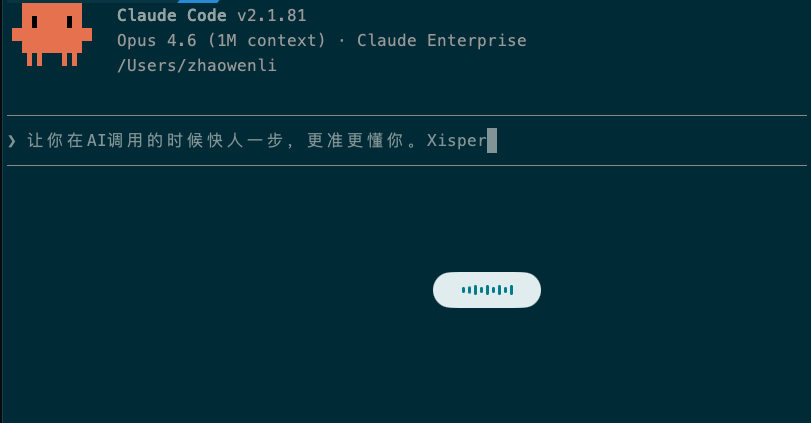
Press Fn to start speaking, and Xisper transcribes your voice in real-time with sub-second latency. Release the key, and text is automatically inserted at the cursor — works in any app.
- Real-time streaming ASR
- Automatic filler word removal
- Smart punctuation & formatting
From Spoken to Professional Text
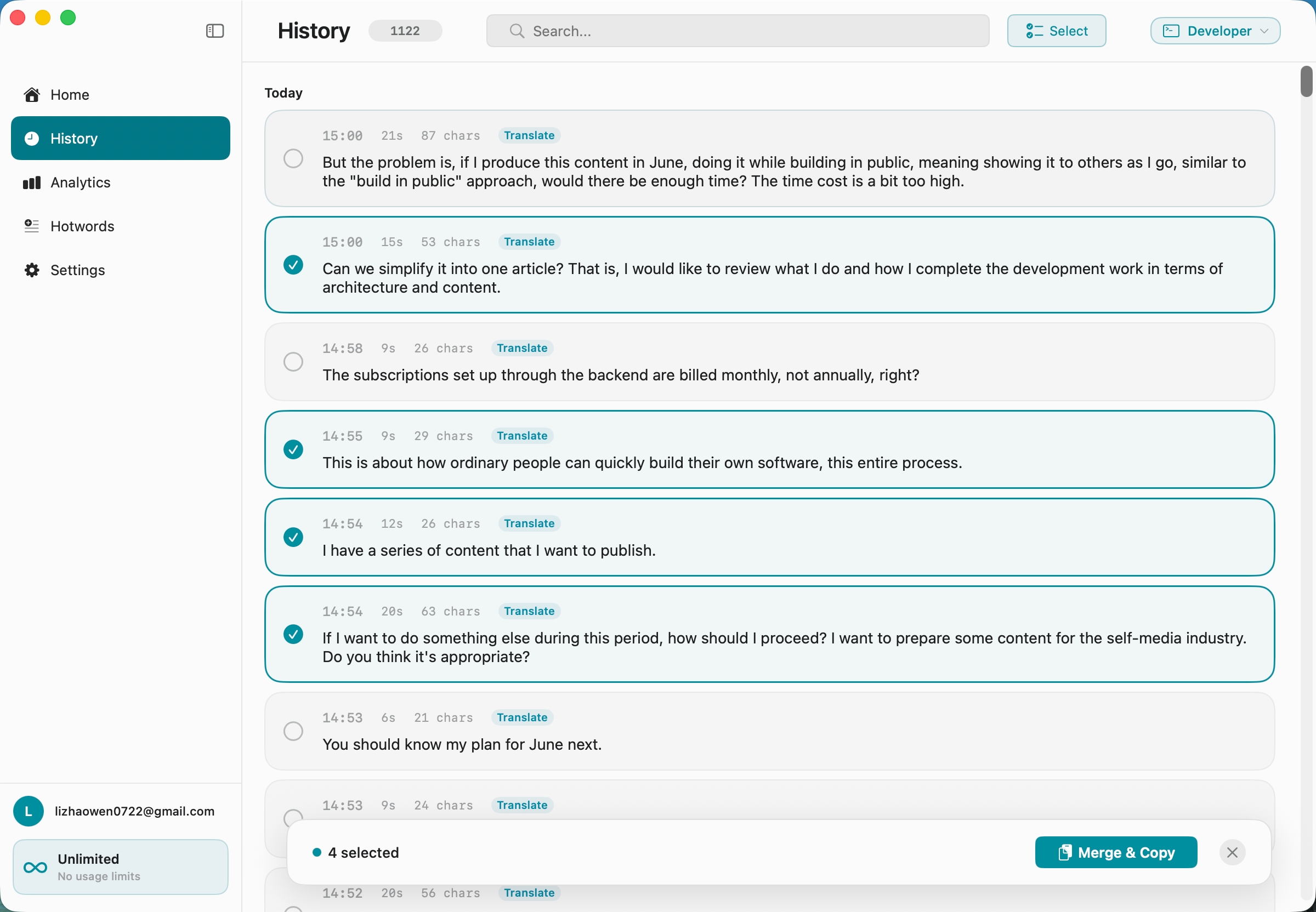
After each transcription, AI automatically polishes: fixes grammar, refines expressions, adjusts formatting. You speak casually, output is professional.
- Automatic grammar correction
- Casual to formal conversion
- Preserves meaning while refining
Everywhere You Write
Xisper isn't a standalone editor — it's a system-level tool. Whether you're composing emails, editing documents, chatting, or writing code comments, press Fn to dictate.
- Works in all macOS apps
- Reads context automatically
- No window switching needed














Three Steps, Three Seconds
No complex setup, no learning curve.
Press Fn
Press the Fn key to activate Xisper. A recording indicator appears on screen, ready to go.
Speak Naturally
Speak at normal pace. Xisper transcribes in real-time as AI simultaneously polishes your expression.
Text Appears
Press Fn again to stop recording. The polished text is automatically inserted at the cursor. Done.
Built for Power Users
Context-Aware
Xisper automatically reads the current app, window title, and selected text, letting AI tailor output to your writing context.
Custom Hotwords
Add your technical terms, names, and abbreviations. Xisper learns your vocabulary to ensure precise recognition of proper nouns.
Privacy First
Audio is processed in real-time and never stored. Your voice data always belongs to you—we never use it for training.
Webhook Integration
Send transcription results to Notion, Slack, or any API. Connect Xisper to your workflow via webhooks.
Ready to Write with Your Voice?
Download Xisper for free and start dictating in seconds. No credit card, no complex setup—just press Fn to begin.
Download for MacNative Swift App · Only 2.3 MB · macOS 13+